AI for small business that does the work
Most small businesses have tried AI by now. Someone asked a chat assistant to write an email, it wrote a good one, and then a person still had to look up the customer, check the invoice, send it and log it. The writing was never the slow part.
The slow part is that the business lives in six tools that do not talk to each other: the inbox, the calendar, the CRM, the books, the job or order system and the phone. AI that helps a small business has to work across those tools, the way the owner does.
The three kinds of AI a small business can buy
Almost every AI product for small businesses is one of three things. Knowing which one you are looking at saves a lot of trials.
- A chat assistant. You type, it answers. It is fast at writing and explaining, and it knows nothing about your business unless you paste it in. Every answer starts from zero.
- AI inside one tool. Your CRM, your accounting software and your help desk each added an assistant. Each one knows its own tool well and cannot see the others, so it can tell you a deal is late but not that the customer also owes you money.
- An AI that works across your tools. It connects to the inbox, the books, the CRM and the calendar, keeps one record of each customer across all of them, and does the work in them. This is what Liaison is.
What it does on an ordinary week
An AI that works across your tools earns its keep on the jobs nobody wants and everybody forgets.
- It chases what is owed: one reminder per customer, written in your voice, gentle for good payers and firmer for repeat late ones.
- It answers new inquiries within minutes, from your account, and books the call.
- It fills the schedule gap on Thursday from the waitlist and tells both customers.
- It reads the books every night and tells you in the morning whether payroll is covered on Friday.
- It drafts the follow-ups from every call you were on, so what you promised is already in motion.
- It brings you only the decisions that are yours to make, and anything that moves money waits for your yes.
Why it has to know the rest of the business
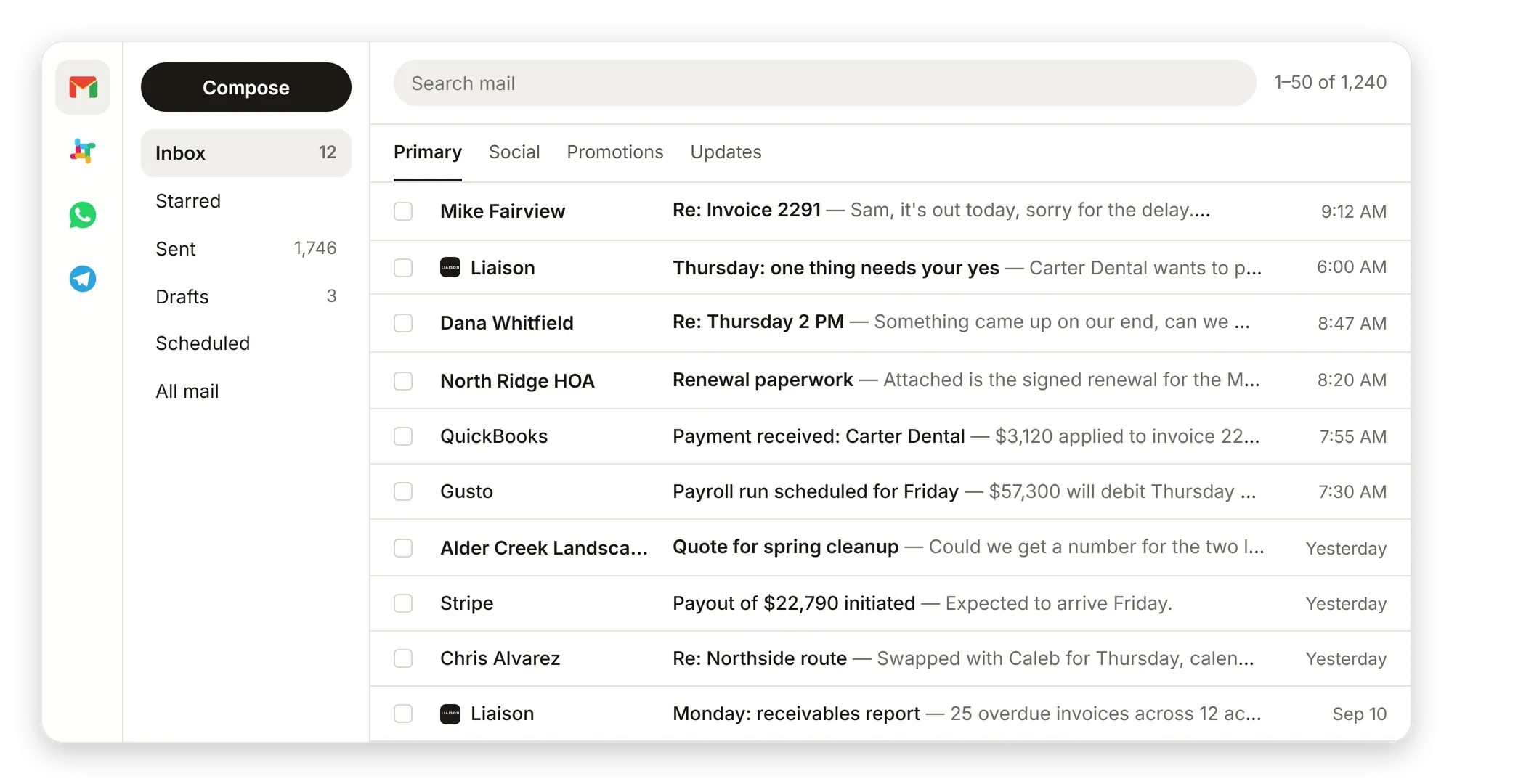
A question like “can we make payroll Friday?” touches the bank balance in the books, the payouts in the payment processor, the payroll run and the customers who promised to pay this week by email. An assistant that reads one of those tools cannot answer it. An assistant that reads all four answers it before you ask.
The same is true for a stalled deal (CRM and inbox), a late invoice (books and inbox), or a gap in the schedule (calendar, job system and the waitlist). The value is in the connections, so the AI has to sit on top of every tool, not inside one of them.
What it costs
Liaison starts at $149 a month for one person and the tools they already use, with Professional at $629 a month and Team at $2,950 a month for up to five seats. Credits are the work Liaison does. Full details are on the pricing page.
Compare that with the hours it takes back. The useful test is not price per seat, it is how many of the jobs above you stop doing yourself.
How to start without replacing anything
You keep every tool you run. Liaison connects to them with access you grant and can revoke, reads what is already there, and starts working. Where a tool has no way in from the outside, Liaison works it on its own computer, the way a person on your team would, so there is no list of supported tools you have to be on.
- Connect the inbox and the books first; that is where most of the value is.
- Let it run for a week and read the morning brief it writes.
- Then hand it the jobs you are sick of: the chasing, the scheduling, the weekly report.
AI for small business, set up with you, for $629 a month.
- Connects to the tools you already run with access you grant; nothing is replaced or re-entered.
- Works in your voice, from your own inbox, calendar and number, and learns how you write from what you have already sent.
- Approve each kind of work once; it does it the same way every time after that, and shows you the receipt.
On Professional we connect your tools, bring your data in and set up the first rules with you. Anything that moves money waits for your yes.
“Cut our month-end close from 4 days to 4 hours.” Marcus C., owner
$629 a month, or $500 a month on a 12-month term. Prefer to start on your own? Starter is $149 a month, self-serve, with a free trial first: 7 days, no card.
Questions
What is the best AI for a small business?
The one that can see the tools your business runs on. A chat assistant is good at writing; AI inside one tool is good at that tool; an AI that works across your inbox, books, CRM and calendar can do the work itself. Liaison is the third kind.
Do I have to change my software to use Liaison?
No. Liaison connects to the tools you already use and works inside them. Nothing is replaced, migrated or re-entered.
Will it send emails or texts on its own?
It sends in your voice from your accounts once you have approved the kind of message it is sending. Anything that moves money, like a payment, a refund or a transfer, always waits for your yes.
How much does AI for a small business cost?
Liaison starts at $149 a month. Professional is $629 a month and Team is $2,950 a month for up to five seats. See useliaison.com/pricing.
By industry and by role
See it on your own business.
Thirty minutes with us, on your own tools. Bring the thing that eats your evenings and watch it get handled from your own inbox, calendar and books.
Professional is $629 a month and we set it up with you. Starter is $149 a month, self-serve, with the free trial first: 7 days, no card. Every plan is on the pricing page.