14 Fields Named "Status" and None of Them Have What You Need
Cade Cunningham
Author
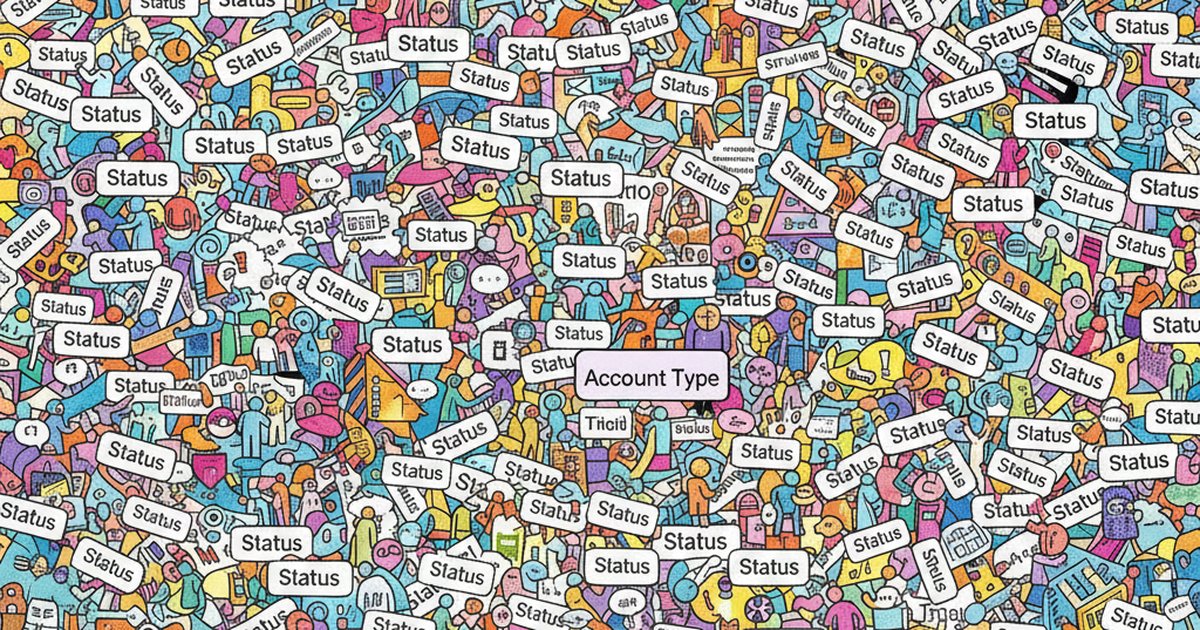
There's a tweet from @pdrmnvd that's been circulating and it nails something I've been thinking about for a while: "In Salesforce there are 14 fields named status, 7 named source, 21 named type and none of them have what you're looking for. What you really wanted was leadsource_account_date02_new__c."
That's funny because it's true. And it's not just a Salesforce problem.
What "Feature Rich" Actually Means
When software companies say "feature rich," what they're really saying is: we've been adding fields, dropdowns, and custom objects for 8 years and nobody ever deleted anything. That's it. That's what feature rich means. It means 300 custom fields. 47 dropdown options for "Lead Source." A schema that looks like it was designed by committee (because it was, over the course of many years, by every admin and consultant who ever touched the instance).
HubSpot does this. Zoho does this. Pipedrive does this. Every CRM accumulates crud. Someone creates a "Lead Status" field in 2019. Someone else creates "Contact Status" in 2020 because they didn't know the first one existed. A third person creates "Deal Stage Status" in 2021. By 2026 you've got 14 fields with "status" in the name and the person who created most of them left the company two years ago. Nobody knows which one is canonical. Nobody wants to delete any of them because something might break.
So everyone just keeps adding. Every new feature is another field. Every field is another thing that can be wrong, empty, duplicated, or filled in differently by every rep on the team. "Feature rich" really means "complexity rich." And complexity, for a team of 15 or 30 people without a dedicated Salesforce admin, is where things start to fall apart.
One Tool Is Bad Enough. Now Multiply It.
So that's the mess inside a single CRM. Now think about the fact that the average small business is running somewhere around 40+ SaaS applications. Even if you're conservative and say your team uses 5 to 10 tools daily, each one of those tools has its own schema, its own field names, its own definition of what a "customer" is.
"Status" in your CRM means something completely different than "Status" in your project management tool. "Customer" in HubSpot is "Contact" in QuickBooks. Same person, different fields, different formats, different rules for what gets filled in and when. Your CRM stores a phone number as (555) 867-5309. Your invoicing tool stores it as 5558675309. Your support desk stores it as +1-555-867-5309. Three systems, same number, three formats, and good luck writing a report that connects them.
I wrote about the real cost of app sprawl a while back, and the field-level chaos is where a lot of that cost actually lives. It's not just the subscription fees. It's the hours your team spends hunting for the right data across systems that were never designed to work together. McKinsey found that employees spend about 20% of their work week searching for information. For a 20-person team, that's four full-time employees worth of hours, just looking for stuff.
AI Makes This Worse, Not Better
And this is where it gets really frustrating. The promise right now is "bolt AI onto your CRM and it'll give you insights." Cool. So you connect an AI tool to a CRM instance that has 14 status fields, inconsistent data entry, and three years of accumulated field rot. What does the AI do? It reads all of it. It doesn't know which "status" field matters. It doesn't know that "leadsource_account_date02_new__c" is actually the one your team uses. It just ingests the mess and gives you confident-sounding answers built on garbage data.
This is the problem I keep coming back to. I wrote about why AI investments fail when the data underneath isn't ready, and CRM field chaos is one of the biggest reasons. The AI isn't the problem. The AI is fine. The data it's reading from is a disaster, and no amount of prompt engineering fixes that.
And it's not just your CRM data in isolation. The AI can't cross-reference your CRM contact with their payment history in QuickBooks and their support tickets in Freshdesk because those systems don't share a common schema. They don't even agree on what to call the person. So the AI gives you a partial answer from one system and you're back to manually checking the other four.
The Problem Nobody Wants to Admit
The dirty secret of modern business software is that none of it was designed to work together. Every tool was built to be the center of your universe. Salesforce wants to be your single source of truth. So does HubSpot. So does Monday.com. So does QuickBooks. They all want to own the customer record, the project status, the revenue number. And because they all think they're the center, none of them are built to be good citizens in a larger ecosystem.
So you end up with the same customer existing in 6 systems with 6 different field structures. And when someone on your team asks a simple question like "what's the status of the Johnson account?" the answer depends on which system you check. CRM says "Active." Project tool says "On Hold." Accounting says "Past Due." Support says "Escalated." All of those are true. None of them give you the full picture.
I've talked to owners who built automation after automation trying to sync these systems, and every automation is basically a brittle translation layer between two tools that define the same concepts differently. Field A maps to Field B, except when it doesn't, except on Tuesdays, except for that one customer type where the mapping is different. It works until it breaks, and when it breaks, nobody knows why because the person who built it left six months ago.
And building a single source of truth by migrating everything into one tool isn't the answer either. You need your CRM for sales. You need your accounting tool for finance. You need your project tool for delivery. The answer isn't fewer features or simpler tools. You need those tools. You need those features. What you need is something that can sit across all of them and actually make the data usable.
So What Actually Fixes This
That's what we built Liaison to do. Not to simplify your tools or replace them. To make them actually talk to each other. You keep your stack, connect it to Liaison, and your data becomes something you can actually ask questions about and get real answers from, across every system.
Because the problem was never the tools themselves. The problem is that your data is scattered across a dozen systems that all speak different languages, and nobody's translating.
If your team is spending more time hunting for data than using it, grab 30 minutes with us and we'll show you what it looks like when your tools actually work together.
Share this article
Related Articles

A Spreadsheet Column Changed Type and Almost Put 146 People Back on the Roster
Nothing in the data was wrong. A spreadsheet column was re-saved as text, our reader saw blanks, and a perfectly clean dry run was about to put 146 departed reps back on a customer's roster. Reading the delta's shape caught it.

The Customer Who Went Quiet
Most businesses find out a customer left when the customer tells them. The signal was sitting in the invoices, the processor, the inbox and the CRM for weeks. Four rules that catch it while it's still cheap.

Month-End Close in Hours, Not Days: The Actual Steps
The close takes four days because it's when everybody catches up. Seven steps in the right order, and the reason five of them should happen during the month so the first of the month is an hour of checking boxes.