AI for ClickUp that knows the rest of your business
ClickUp holds projects, tasks and time. Liaison connects to it with access you grant and reads projects, tasks, owners, deadlines and tracked time, and keeps the work moving between the people who own it.
Because it reads ClickUp together with your inbox, your books and your files, an answer about projects, tasks and time comes with the rest of the picture. You keep ClickUp; nothing is replaced or re-entered.
What Liaison does with ClickUp
- Creates and assigns the tasks that come out of calls, emails and meetings.
- Chases owners on overdue work, in your voice.
- Turns tracked time into invoices and flags unbilled hours.
- Writes the weekly status from the work itself, not from a meeting.
Questions it answers across ClickUp and your other tools
- “What is overdue this week, and who owns it?”
- “Which projects are over the hours we estimated?”
- “What did each person finish this week?”
- “Which billable hours have not been invoiced yet?”
What it reads in ClickUp
19 kinds of ClickUp data Liaison can read on its own, every time it answers a question or does a job.
- Get Custom Fields
- Get Folder
- Get Folder Views
- Get Folders
- Get List
- Get List Comments
- Get List Views
- Get Lists
- Get Space
- Get Space Views
- Get Spaces
- Get Task
- Get Task Comments
- Get Task Templates
- Get Tasks
- Get Team Views
- Get View
- Get View Comments
- Get View Tasks
What it can do in ClickUp
31 actions Liaison can take in ClickUp. It does the ones you have approved, in your voice; anything that moves money waits for your yes.
- Create Chat View Comment
- Create Checklist
- Create Checklist Item
- Create Folder
- Create List
- Create List Comment
- Create Space
- Create Task
- Create Task Comment
- Create Task From Template
- Create Threaded Comment
- Create Time EntryCreate a new time entry
- Create View Comment
- Delete Checklist
- Delete Checklist Item
- Delete Comment
- Delete Folder
- Delete List
- Delete Space
- Delete Task
- Remove Task Custom Field
- Start Time Entry
- Stop Time Entry
- Update Checklist
- Update Checklist Item
- Update Comment
- Update Folder
- Update List
- Update Space
- Update Task
- Update Task Custom Field
Works alongside ClickUp
The tools Liaison most often reads together with ClickUp.
Read together: ClickUp and Slack
Liaison in ClickUp, set up with you, for $629 a month.
- Connects to ClickUp with access you grant and reads it with the rest of your business; nothing is replaced or re-entered.
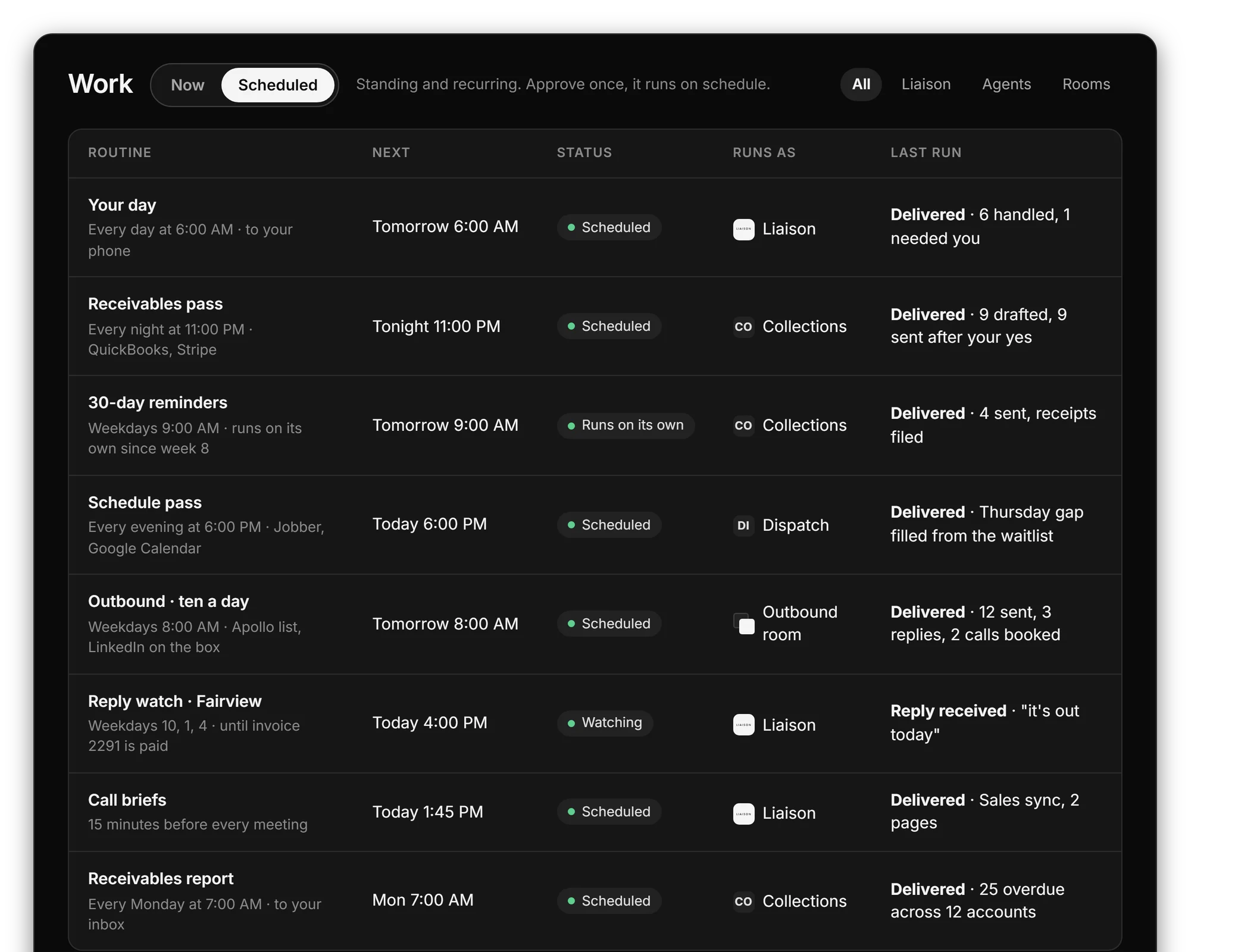
- Does the routine work in your voice, from your own inbox, calendar and number; each kind of work is approved once.
- Answers a question about ClickUp with the rest of the picture: the customer, the invoice, the thread, the calendar.
On Professional we connect your tools, bring your data in and set up the first rules with you. Anything that moves money waits for your yes.
“Cut our month-end close from 4 days to 4 hours.” Marcus C., owner
$629 a month, or $500 a month on a 12-month term. Prefer to start on your own? Starter is $149 a month, self-serve, with a free trial first: 7 days, no card.
Questions
Does Liaison replace ClickUp?
No. You keep ClickUp exactly as it is. Liaison connects to it, reads it together with your inbox, your books and your files, and does the work in it the way a person on your team would.
How does Liaison connect to ClickUp?
With access you grant from your own ClickUp account, and can revoke at any time. Where a tool offers no way in from outside, Liaison works it on its own computer, the way a person would.
Can Liaison act in ClickUp without asking?
It does the routine work you have approved, in your voice. Anything that moves money, such as a payment, a refund or a transfer, always waits for your yes.
What does it cost?
Liaison starts at $149 a month. Professional is $629 a month and Team is $2,950 a month for up to five seats. Every plan works with the tools you connect.
See it on your own business.
Thirty minutes with us, on your own tools. Bring the thing that eats your evenings and watch it get handled from your own inbox, calendar and books.
Professional is $629 a month and we set it up with you. Starter is $149 a month, self-serve, with the free trial first: 7 days, no card. Every plan is on the pricing page.